 Unlock All Access
How to Choose a Premium Template for Client Projects
1 min read
Agencies lose margin when template selection becomes a week-long debate. Use a fixed checklist: niche fit, stack ownership, license posture, then visuals. AliThemes catalogs are organized to support that order of decisions.
1. Lock the client sitemap
List required pages before browsing demos. A real estate client needs listings; a SaaS client needs pricing; an event client needs schedule/speakers. Niche mismatch creates custom-page debt immediately.
2. Assign the maintaining stack
- WordPress teams → WordPress Themes / WordPress bundle
- Static/marketing teams → HTML / HTML bundle
- React product teams → Next.js or React bundles
3. Confirm commercial license needs
Read Licensing Policy and choose Personal, Commercial, or Enterprise at checkout based on client usage. Do this before design exploration so procurement is not blocked mid-sprint.
4. Shortlist 2 demos max
- Filter by niche + stack.
- Open only two demos that cover the sitemap.
- Score mobile readability and CTA clarity.
- Purchase and kick off branding the same day.
5. Scale with bundles
If you ship monthly client sites, move to stack bundles or Unlock All Access to remove repurchase friction.
Template choice should accelerate kickoff meetings — not become the project.
Frequently asked questions
- Should agencies always buy premium templates?
- Premium templates usually save more billable hours than they cost when the niche fit is strong. Free templates can work for experiments, but client delivery benefits from polished niche packs.
- What license should I check?
- Review AliThemes licensing pages and Lemon Squeezy license tiers (Personal/Commercial/Enterprise) against how the client will use and redistribute the site.
- How do I avoid picking the wrong niche?
- Write the client’s top 8 pages first. If a demo lacks half of them, it is the wrong template — regardless of aesthetics.
Related products
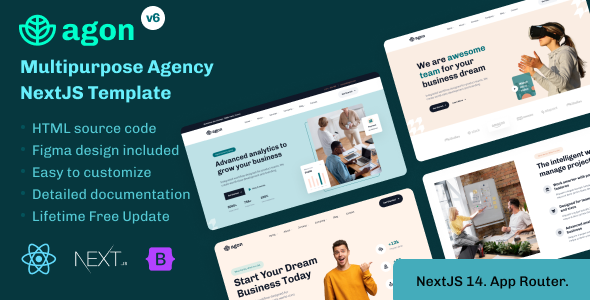
- Agon - Multipurpose Agency NextJS Template
High Resolution: Yes, Compatible Browsers: IE9, IE10, IE11, Firefox, Safari, Opera, Chrome, Edge, Compatible With: ReactJS, Bootstrap 5.x, Columns: 4+
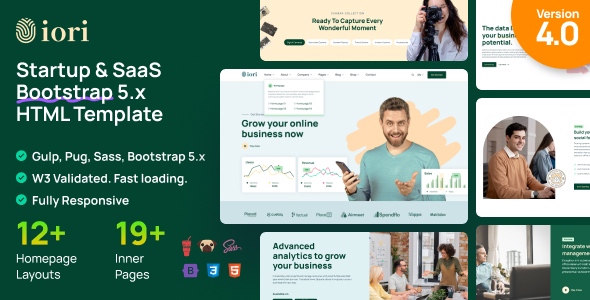 iori - Multipurpose Startup & SaaS Bootstrap 5 Template
High Resolution: Yes, Compatible Browsers: IE8, IE9, IE10, IE11, Firefox, Safari, Opera, Chrome, Edge, Compatible With: Bootstrap 5.x
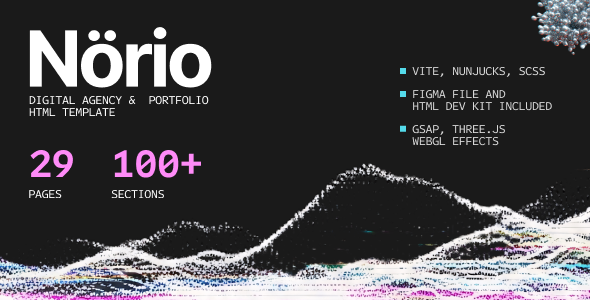 Norio - Digital Agency & Portfolio HTML Template
Related posts
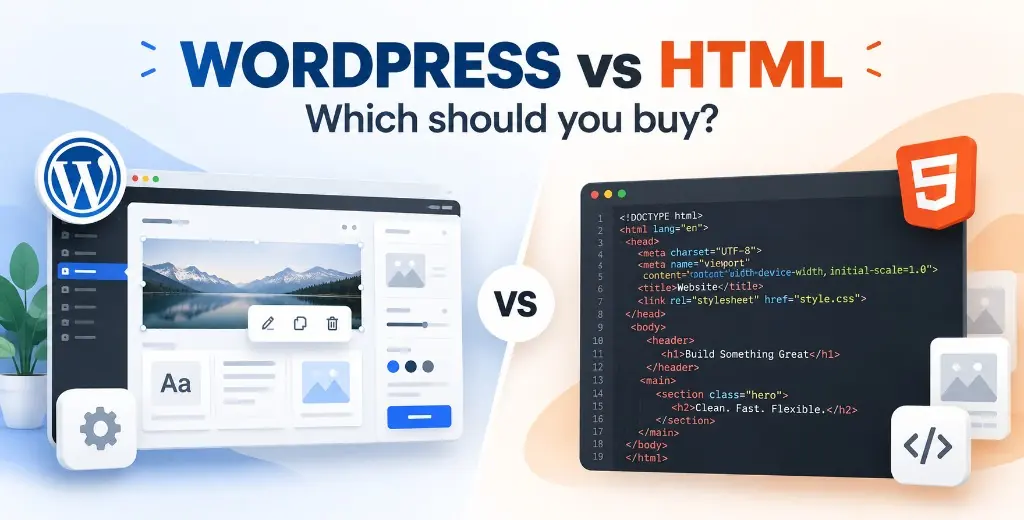
WordPress Theme vs HTML Template: Which Should You Buy?
A practical comparison of WordPress themes and HTML templates — who should edit the site, what launch actually costs, and which AliThemes products fit each path.
After You Buy a Template: Install, Customize, or Build the Site
A decision guide for AliThemes buyers — launch the template yourself, order installation, customize the design, or get a full website setup.
Full Website Setup: Starter, Business, or Advanced?
How to choose AliThemes Full Website Setup: Starter at $299, Business at $599 with SEO and performance, or Advanced from $999 for custom work.