
 Unlock All Access
WordPress Theme vs HTML Template: Which Should You Buy?
8 mins read
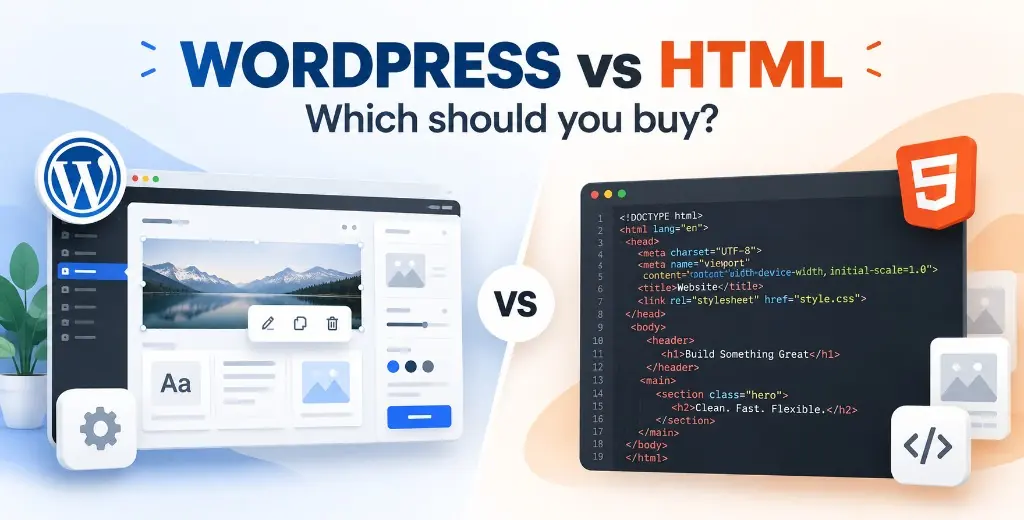
Buy a WordPress theme when the people who keep the site alive will edit it in a browser. Buy an HTML template when a developer will ship a small, fixed site and you would rather not inherit plugin updates. The file format is the wrong first question. The right one is who changes the homepage six months after launch.
AliThemes sells both, often for the same kind of business. A magazine, an event, an agency, and a shop each exist as a WordPress theme and as HTML. This guide is the fork before that catalog. If you already know you want React or Next.js instead of either option, use HTML vs Next.js vs React Templates and skip ahead.
When a WordPress theme is the better buy
WordPress wins when publishing is the product, not a one-time launch. A theme gives you an admin: posts, pages, menus, and media, without a deploy step for every sentence. That matters for a magazine that ships daily, an event site whose schedule changes the week of the conference, or a consultancy whose staff will swap team photos and service blurbs.
- More than one person will edit, and at least one of them is not a developer.
- You need a blog, a news desk, or a landing page that changes copy often.
- WooCommerce, events, or bookings are part of the theme you are buying, and the merchant should manage products in wp-admin.
- The site must keep running after the agency that built it has left.
On AliThemes, that path looks like Magzin or Foks for a magazine, Eventify when the content is a conference schedule, and Orisa for WordPress when a studio wants Elementor editing instead of a static handoff. Browse the rest in WordPress Themes.
What you still own after the purchase: PHP hosting, a current backup, the original theme files, and a license or purchase code when the theme asks for one. The demo does not appear because the zip landed in your downloads folder. Someone installs the theme, the plugins it requires, and the demo content, then replaces the sample logo and menu. If that someone is not you, Theme Installation & Demo Setup is $29 for one theme on one site. It covers the install, required plugins, demo import, logo, menu, homepage, and basic permalinks. It does not write your articles or invent new sections.
The failure mode is treating the demo as the finished site. Sample posts, stock photos, and a homepage full of “lorem” sections will index if you leave them up. Plan the real sitemap before import, and read WordPress Theme Installation: DIY vs Professional Demo Setup if you are unsure whether to run the importer yourself.
When an HTML template is the better buy
HTML wins when the site is a designed object with a known page list, and a developer will be the one who changes it. There is no database, no plugin screen, and no core update on a Tuesday night. You upload files to any static host, or you hand the folder to whoever already deploys the client’s other sites.
- The first release is about five to ten pages, not an open-ended magazine.
- The client will email change requests to a developer instead of logging into an admin.
- You want to avoid WooCommerce, Elementor, and the security work that comes with them.
- A dashboard or booking UI is already in the HTML package, so you are not missing an admin so much as choosing a lighter one.
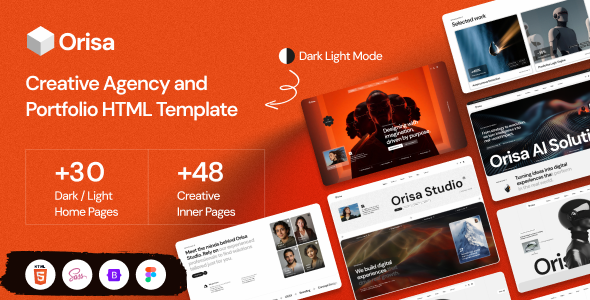
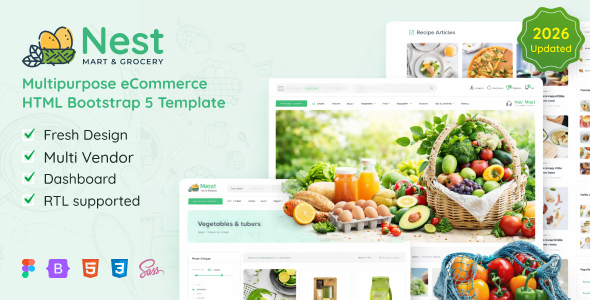
Two clear HTML starting points: Orisa HTML for a creative studio that wants the GSAP motion in the browser, and Nest HTML when the project is a storefront with an included dashboard and RTL. The wider shelf is HTML Templates.
The trade is editing speed later. Changing a headline means changing a file and deploying it. That is cheap for a developer and opaque for a marketing coordinator. If the coordinator is the real user, HTML will feel finished on launch day and stuck the following month. Teams solve that by moving to WordPress later, which is a rebuild, or by keeping a developer on retainer. Either cost belongs in the decision, not in a surprise.
What the launch actually costs
The price on the product card is the design and the code, not the evening you spend making it yours. Budget three layers: the file, the setup, and the first year of keeping it online.
WordPress layer one is the theme. Layer two is hosting that runs PHP and MySQL, plus the demo import. Doing that yourself costs time. Paying AliThemes costs $29 and stops at a configured demo. Layer three is content and care: your articles, image compression, plugin updates, and backups. A theme that looked inexpensive becomes expensive when every demo plugin stays activated “just in case.”
HTML layer one is the template. Layer two is deployment. If you will not upload files, map a domain, and place the copy yourself, Full Website Setup is the matching service, and it applies to HTML and WordPress. Starter is $299: the template, up to five pages, branding, the text and images you send, a contact form, a responsive check, and deployment. Business is $599 and is the package that adds up to ten pages, custom sections, a blog, analytics, SEO, and performance work. Advanced starts at $999 when you need an API, a CMS, or behavior the template does not have. The comparison of those three packages is in Full Website Setup: Starter, Business, or Advanced?.
A smaller job sits between those numbers. If the site already exists and you only need a logo, colors, fonts, or the order of sections that are already in the file, customization is $39, $49, or $99. That is not a new website. Copy still has to come from you on every package. None of these services include pirated themes or plugins. Bring the original license.
- Count editors, not pages, first.
- Add hosting and either your own setup time or the $29 WordPress install.
- Add Full Website Setup only if you want the pages filled and the domain live.
- Leave Advanced for a feature that is not in the template.
How the choice affects speed and SEO
Search engines do not prefer a file extension. They respond to whether the page loads, whether the title matches the query, and whether the content stays useful. A WordPress demo stuffed with sliders, icon fonts, and three gallery plugins can lose to a plain HTML page. A neglected HTML brochure can lose to a WordPress magazine that publishes every week. Stack is the starting weight. What you bolt on is the race.
- On WordPress, deactivate demo plugins you will not use, replace oversized slider images, and decide early whether Elementor stays on every page or only on the homepage.
- On HTML, compress the images the template ships, drop unused animation libraries if the brand does not need them, and give each real page a unique title and description before launch.
- On both, write the pages you claimed in the menu. Empty “Services” and “Blog” URLs are the usual self-inflicted ranking problem.
The longer version of that audit is How Template Choice Affects Core Web Vitals. Use it after you pick the stack, not instead of picking the editor. Business Website setup is the AliThemes package that includes performance work. Starter deployment does not.
Security follows the same split. WordPress needs updates because it is software running on the public internet. HTML is files. The HTML advantage disappears if you later add a contact script, a payment form, or a pasted-in chat widget and never look at them again. Write down who applies updates for the next twelve months, and which stack that person already knows.
Which AliThemes product matches each path
Match the job, then the catalog. Do not start from the thumbnail.
- Magzin when editors will run a modern Elementor magazine and performance is part of the pitch.
- Foks when you want a lighter WordPress magazine and you are willing to keep the plugin list short.
- Eventify when the site is a conference or meetup and the schedule must change without a developer.
- Orisa WordPress when the same studio site must be editable in wp-admin.
- Orisa HTML when that studio site can ship as files and motion matters more than an admin.
- Nest HTML when you need a storefront and dashboard without standing up WordPress.
If the niche is clear and the editor is clear, stop comparing stacks and open the live preview. If the editor is still unknown, you are not ready to buy. A WordPress theme purchased “in case the client wants a blog later” is how agencies pay for two builds. An HTML template purchased for a newsroom is how the newsroom stops shipping.
Choose WordPress for the person who will log in next quarter. Choose HTML for the person who will deploy the next change. Then buy the AliThemes product that already speaks that niche, and add installation or full setup only for the work your team will not do.
Frequently asked questions
- Is an HTML template better for SEO than a WordPress theme?
- No. Both can rank. HTML often starts lighter because it has no plugin stack. WordPress ranks well when the theme stays lean, images are sized properly, and the publishing team actually updates the pages. A fast empty site does not beat a maintained WordPress site.
- Does a WordPress theme run by itself after I buy it?
- No. You still need PHP hosting, the original theme files, a demo import or manual setup, and your own text and images. AliThemes Theme Installation is $29 when you want that demo configured on one site.
- Can I switch from HTML to WordPress later?
- Yes, but it is a conversion, not a setting. Rebuilding approved HTML as a WordPress theme costs more than choosing the editable stack on day one. If editors are part of the plan, start on WordPress.
- Which AliThemes service fits if I do not want to launch it myself?
- WordPress demo setup is $29 for one theme on one site. Full Website Setup starts at $299 for up to five pages and deployment, on either HTML or WordPress. Business at $599 adds a blog, analytics, SEO, and performance work.
Related products
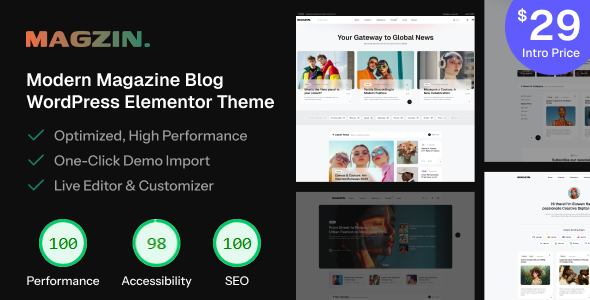 Magzin – Modern High-Performance Blog WordPress Elementor Theme
Gutenberg Optimized: Yes, High Resolution: Yes, Widget Ready: Yes, Compatible Browsers: IE8, IE9, IE10, IE11, Firefox, Safari, Opera, Chrome, Compatible With: Contact Form 7, Elementor, Elementor Pro, Jetpack, WooCommerce 9.x.x, WooCommerce 8.x.x, WooCommerce 7.x.x, WooCommerce 6.x.x, WPForms, WPML, Software Version: WordPress 6.8.x, WordPress 6.7.x, WordPress 6.6.x, WordPress 6.5.x, WordPress 6.4.x, WordPress 6.3.x, WordPress 6.2.x, WordPress 6.1.x, WordPress 6.0.x, WordPress 5.9.x, WordPress 5.8.x, WordPress 5.7.x, WordPress 5.6.x, WordPress 5.5.x, Columns: 4+
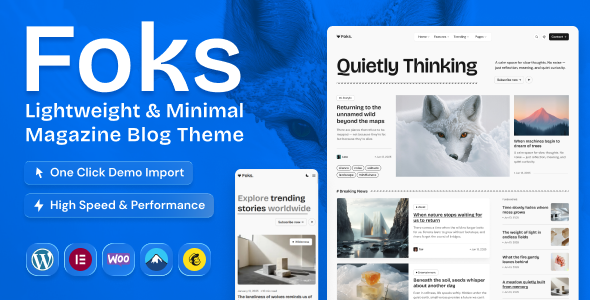 Foks – Lightweight Modern Magazine & Blog WordPress Theme
High Resolution: Yes, Compatible Browsers: IE8, IE9, IE10, IE11, Firefox, Safari, Opera, Chrome, Edge, Compatible With: Bootstrap 5.x, Columns: 4+
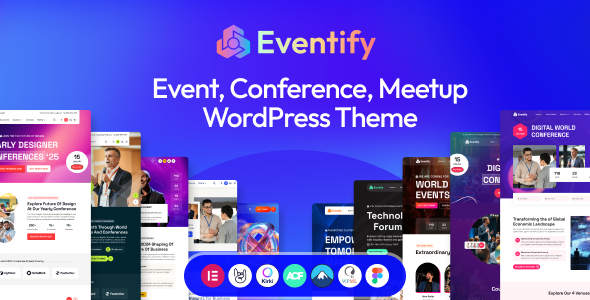 Eventify - Event & Conference Meetup WordPress theme
Gutenberg Optimized: No, High Resolution: Yes, Widget Ready: No, Compatible Browsers: IE8, IE9, IE10, IE11, Firefox, Safari, Opera, Chrome, Edge, Compatible With: Elementor, Elementor Pro, Events Calendar, Events Calendar Pro, Software Version: WordPress 6.7.x, WordPress 6.6.x, WordPress 6.5.x, WordPress 6.4.x, WordPress 6.3.x, WordPress 6.2.x, WordPress 6.1.x, WordPress 6.0.x
 Orisa - Creative Agency & Portfolio HTML Bootstrap 5 Gsap Template
High Resolution: Yes, Compatible Browsers: IE8, IE9, IE10, IE11, Firefox, Safari, Opera, Chrome, Edge, Compatible With: Bootstrap 5.x, Columns: 4+
 Nest - Multipurpose eCommerce HTML Template + RTL + Dashboard
High Resolution: Yes, Compatible Browsers: IE8, IE9, IE10, IE11, Firefox, Safari, Opera, Chrome, Edge, Compatible With: Bootstrap 5.x, Columns: 4+
- Orisa - Creative Agency Portfolio WordPress Elementor Theme
High Resolution: Yes, Compatible Browsers: IE8, IE9, IE10, IE11, Firefox, Safari, Opera, Chrome, Edge, Compatible With: Bootstrap 5.x, Columns: 4+
Related posts
After You Buy a Template: Install, Customize, or Build the Site
A decision guide for AliThemes buyers — launch the template yourself, order installation, customize the design, or get a full website setup.
Full Website Setup: Starter, Business, or Advanced?
How to choose AliThemes Full Website Setup: Starter at $299, Business at $599 with SEO and performance, or Advanced from $999 for custom work.
Website Design Customization: What $39, $49, and $99 Change
What AliThemes design customization changes on Figma, HTML, Next.js, React, and WordPress — Basic at $39, Standard at $49, and Advanced at $99.