
 Unlock All Access
WordPress Theme Installation: DIY vs Professional Demo Setup
4 mins read

Buying the theme is the easy part. The slow part is a demo import that stalls, a homepage that does not match the preview, and a menu that still points at sample pages. AliThemes Theme Installation & Demo Setup is the $29 path for one WordPress theme on one site. Use it when you want the demo live. Skip it when you already know the importer and only need an afternoon.
When you should install it yourself
Self-install is the right call when three things are already true: the host allows the upload size and PHP limits the theme documents, you can create a full backup, and you have imported a demo on Elementor or WooCommerce before. In that case the work is mostly patience — upload the theme, install the required plugins, run the importer, then replace the logo.
- You have WordPress admin and hosting access on a staging site or a fresh install.
- You already own the original theme files and a valid license or purchase code.
- The homepage you want is the demo, not a redesigned layout.
- You are comfortable retrying an import after raising memory or upload limits.
If you are still choosing the theme, start with Best WordPress Elementor Themes from AliThemes and the WordPress Themes catalog. Installation only helps after the purchase exists.
When professional demo setup is the faster path
Order Theme Installation & Demo Setup when the demo is the deliverable and the clock matters more than the $29. Typical blockers are a failed import, a missing required plugin, a homepage that stays on the default blog, or a WooCommerce shop demo that never attaches. The package is one theme, one site.
- Install the theme and the plugins that theme requires.
- Import the demo content the author provides.
- Upload your logo.
- Set the menu and the homepage.
- Set basic permalinks.
AliThemes has shipped WordPress themes since 2013, including ThemeForest and Envato products. The work uses your original files. Pirated or nulled themes are not installed. If you are unsure the demo can import on your host, ask before you order.
What to send before the work starts
Setup cannot start from a screenshot. Send WordPress admin login, hosting or cPanel access when the server limits need a change, the original theme package, and the purchase code or license when the theme asks for one. A current backup should exist before anyone imports demo content over a site that already has pages.
- Confirm the site is the one that should receive the demo. Importing into a live site with real posts will mix sample content into that content.
- Name the demo variant if the theme ships more than one.
- Send the logo file and the menu labels you want, if they differ from the demo.
- Say whether WooCommerce demo content should be imported. That applies only when the theme supports WooCommerce.
Which WordPress themes fit this service
The same install applies across the catalog. These are frequent AliThemes WordPress choices when the goal is a demo-faithful homepage: Magzin for a modern Elementor magazine, Foks for a lighter magazine, Eventify for events, Orisa for a creative agency portfolio, and Valom for a consultancy brand.
Match the theme to the content type first — posts, events, case studies, or service pages — then install. A magazine demo will not become an event site because the importer ran cleanly.
What the $29 setup does not include
Installation stops at a configured demo. It does not add sections, rewrite the homepage structure, write page copy, or install plugins the theme does not require. Logo, colors, fonts, and basic styling can be part of getting the demo ready. A new layout is a different order.
- Design changes inside the theme you already own belong on Website Design Customization.
- A finished site with your pages, a contact form, and deployment belongs on Full Website Setup.
- If you are unsure which step you are actually missing, use After You Buy a Template: Install, Customize, or Build.
Take a backup, send the original theme, and treat $29 as demo setup — not as a redesign.
Frequently asked questions
- What does the $29 WordPress installation include?
- One original WordPress theme on one site: theme install, required plugins, demo import, logo upload, menu and homepage setup, and basic permalinks. It does not include new sections, copywriting, or unrelated third-party plugins.
- Will the site look like the theme demo?
- Demo import configures the theme to match the demo the author ships, including Elementor layouts when the theme provides them. The match depends on the demo content included with your license.
- Can I customize the theme after installation?
- Yes. Logo, colors, fonts, and basic styling can follow installation. Larger layout changes belong to Website Design Customization, and a finished multi-page site belongs to Full Website Setup.
Related products
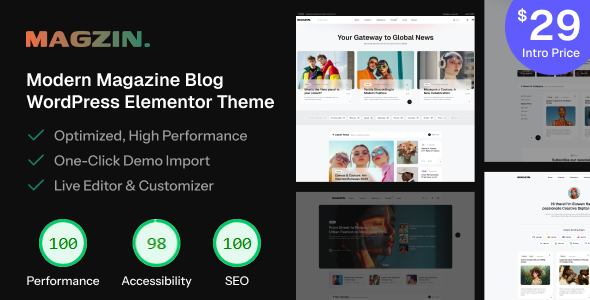 Magzin – Modern High-Performance Blog WordPress Elementor Theme
Gutenberg Optimized: Yes, High Resolution: Yes, Widget Ready: Yes, Compatible Browsers: IE8, IE9, IE10, IE11, Firefox, Safari, Opera, Chrome, Compatible With: Contact Form 7, Elementor, Elementor Pro, Jetpack, WooCommerce 9.x.x, WooCommerce 8.x.x, WooCommerce 7.x.x, WooCommerce 6.x.x, WPForms, WPML, Software Version: WordPress 6.8.x, WordPress 6.7.x, WordPress 6.6.x, WordPress 6.5.x, WordPress 6.4.x, WordPress 6.3.x, WordPress 6.2.x, WordPress 6.1.x, WordPress 6.0.x, WordPress 5.9.x, WordPress 5.8.x, WordPress 5.7.x, WordPress 5.6.x, WordPress 5.5.x, Columns: 4+
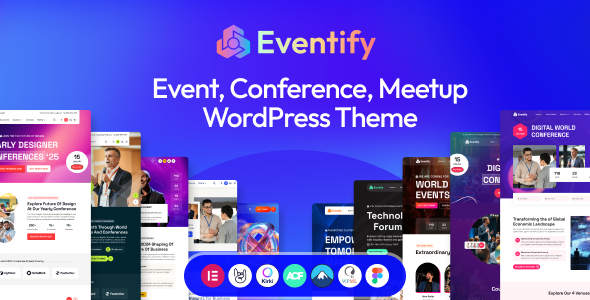 Eventify - Event & Conference Meetup WordPress theme
Gutenberg Optimized: No, High Resolution: Yes, Widget Ready: No, Compatible Browsers: IE8, IE9, IE10, IE11, Firefox, Safari, Opera, Chrome, Edge, Compatible With: Elementor, Elementor Pro, Events Calendar, Events Calendar Pro, Software Version: WordPress 6.7.x, WordPress 6.6.x, WordPress 6.5.x, WordPress 6.4.x, WordPress 6.3.x, WordPress 6.2.x, WordPress 6.1.x, WordPress 6.0.x
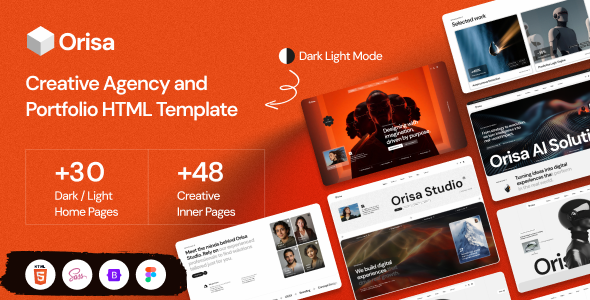 Orisa - Creative Agency Portfolio WordPress Elementor Theme
High Resolution: Yes, Compatible Browsers: IE8, IE9, IE10, IE11, Firefox, Safari, Opera, Chrome, Edge, Compatible With: Bootstrap 5.x, Columns: 4+
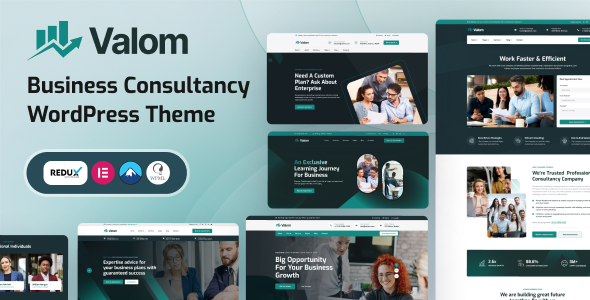 Valom – Business Consulting WordPress Theme
High Resolution: Yes, Compatible Browsers: IE8, IE9, IE10, IE11, Firefox, Safari, Opera, Chrome, Edge, Compatible With: Bootstrap 5.x, TypeScript, Columns: 4+
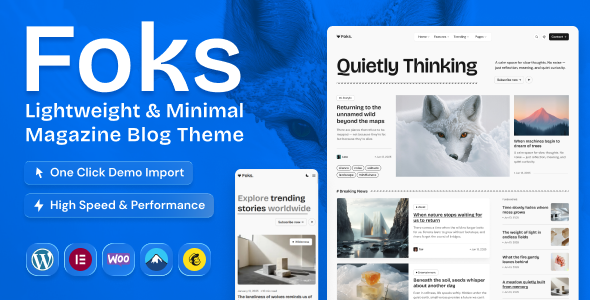 Foks – Lightweight Modern Magazine & Blog WordPress Theme
High Resolution: Yes, Compatible Browsers: IE8, IE9, IE10, IE11, Firefox, Safari, Opera, Chrome, Edge, Compatible With: Bootstrap 5.x, Columns: 4+
Related posts
Best WordPress Elementor Themes from AliThemes
Elementor-friendly AliThemes WordPress themes for magazines, agencies, events, and auto dealers — Magzin, Orisa, Eventify, and Carento.
Best WordPress Themes by AliThemes for Magazines, Events & Consulting
AliThemes WordPress themes for high-performance blogs, event meetups, creative agencies, travel booking, and business consulting — Elementor-ready where it matters.
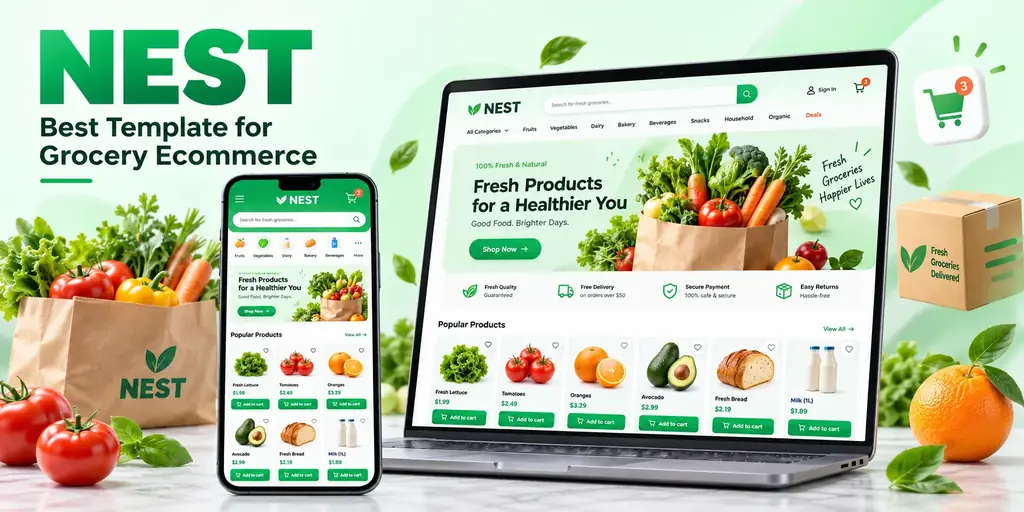
Nest: The Best Template for a Grocery Ecommerce Website
Why Nest is the best template for a grocery ecommerce website: supermarket-shaped catalogs, more than 50 storefront pages, full RTL, and a dashboard in the same purchase.