
 Unlock All Access
Figma-to-Code Workflow with AliThemes UI Kits
1 min read
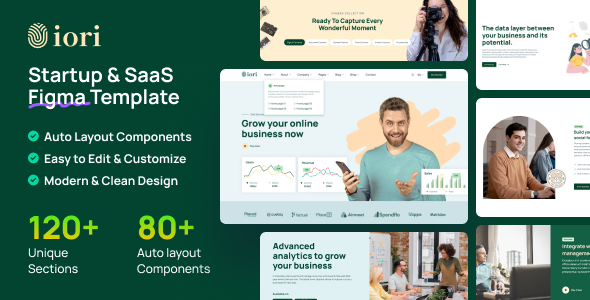
Handoff fails when design and engineering start from different component languages. AliThemes UI kits exist to keep Figma and production templates in one product family.
Recommended pairs
- Iori Figma → Iori HTML/Next
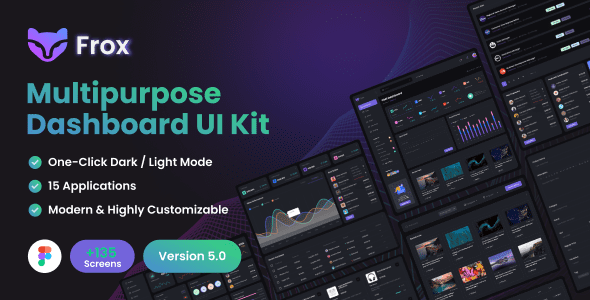
- Frox Figma → Frox dashboard
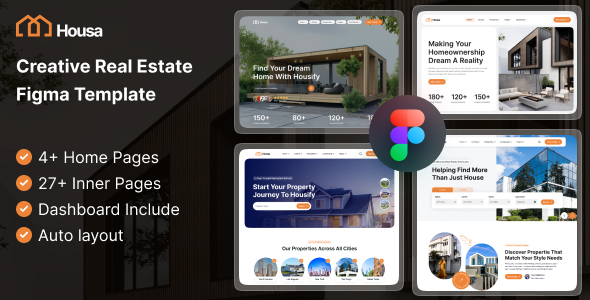
- Housa Figma → Housa code packs
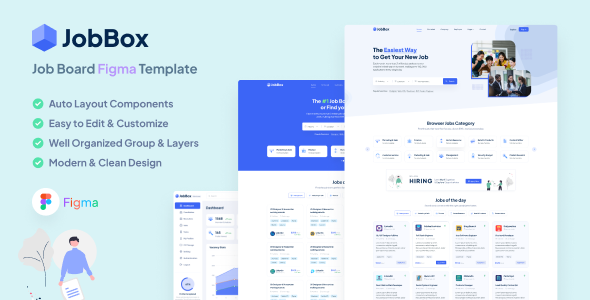
- JobBox Figma → JobBox React/Next
Workflow
- Select niche family first
- Buy Figma + code together
- Define color/type/spacing tokens
- Assign frames to routes
- Implement, then visual-diff mobile
Scale with the UI Kits Bundle when design volume is high.
Frequently asked questions
- Why not design in a random UI kit?
- Mismatched kits create redesign debt. AliThemes Figma kits align to the same niches as the code templates you will implement.
- Which kit for SaaS vs dashboard?
- Use Iori Figma for SaaS marketing. Use Frox Figma for admin dashboard shells.
- Is there a UI kits bundle?
- Yes. The UI Kits Bundle covers the Figma catalog for studios that design often.
Related products
Related posts
UI KitsSeptember 25, 2026
Figma UI Kits That Match Your HTML, React & Next.js Builds
Use AliThemes Figma UI kits alongside matching HTML, React, and Next.js templates so design and development stay aligned from kickoff to handoff.
HTML TemplatesOctober 21, 2026
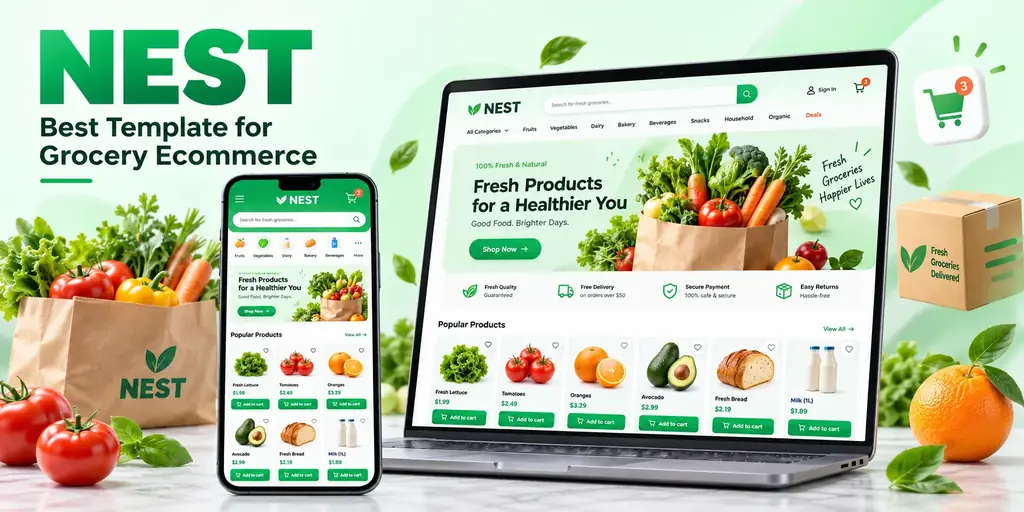
Nest: The Best Template for a Grocery Ecommerce Website
Why Nest is the best template for a grocery ecommerce website: supermarket-shaped catalogs, more than 50 storefront pages, full RTL, and a dashboard in the same purchase.