
 Unlock All Access
Figma to HTML, or HTML to Next.js, React, Vue, and WordPress
4 mins read
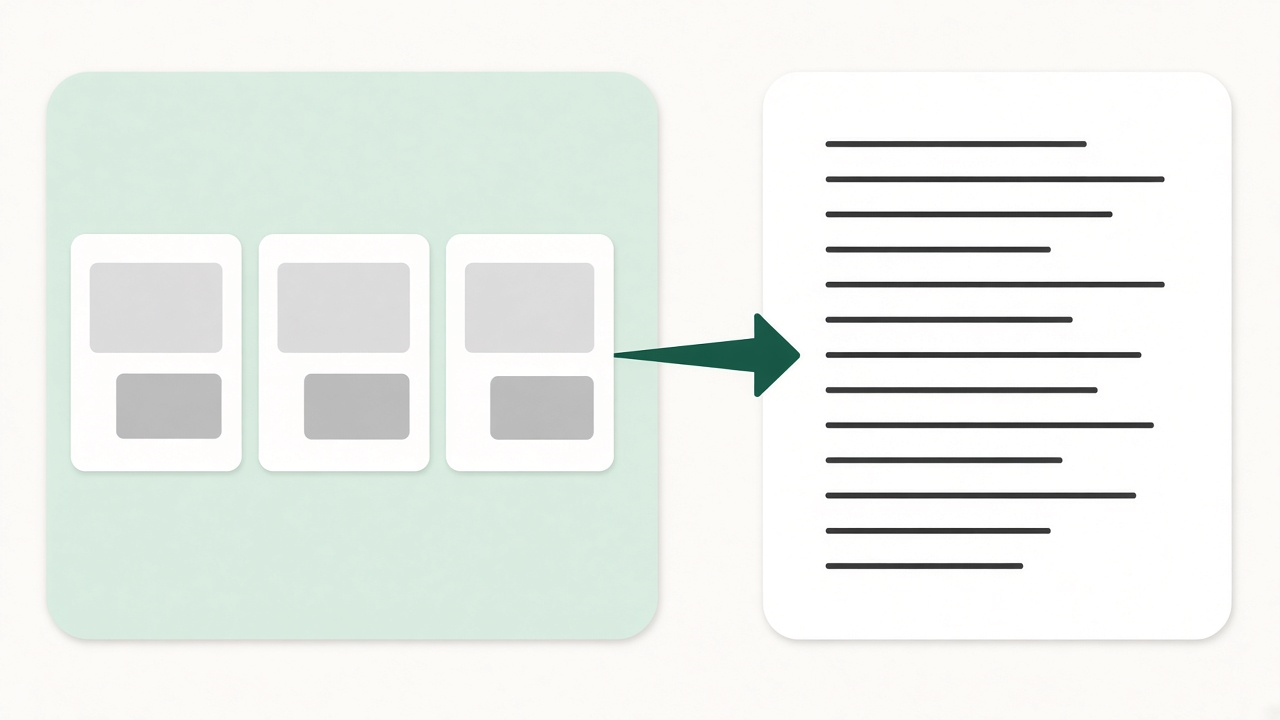
A conversion is justified when the design is already yours and the missing piece is the format. It is an expensive way to recreate a template AliThemes already sells. Web Development turns a Figma file into HTML, or existing HTML into React, Next.js, Vue.js, or a WordPress theme. Each package is quoted. None of them invents a new layout.
When to buy a template
Buy the template when the niche and the stack both exist in the catalog. A digital agency does not need a custom Figma-to-HTML pass to get a portfolio if Norio HTML already matches the pages. A SaaS marketing site on Next.js can start from Iori Next.js. A React agency shell can start from Agon React 19.
If the gap is design-file alignment rather than a missing stack, use a kit from the same family. Iori Startup SaaS Figma pairs with the Iori code templates. Figma UI Kits That Match Your HTML, React and Next.js Builds walks through that match. Buying the pair is faster than converting an unrelated file into a stack you could have purchased.
When to convert a file you already have
Order Web Development when the source is not an AliThemes template. A client Figma file that has never been built, or an HTML site that now has to live in a framework your team maintains, is the actual job. The result follows that file. A new design is a separate request.
- Figma to HTML — the design exists only in Figma and you need a static front end.
- HTML to React, Next.js, or Vue.js — the HTML is done and you want components in one framework.
- HTML to WordPress — the HTML should become a theme editors can change in the admin.
Restyling a template you already own is not a conversion. That scope is Website Design Customization, described in Website Design Customization: What $39, $49, and $99 Change.
What the three packages change
Figma to HTML is frontend only: the file is reviewed first, then built as semantic HTML and CSS matched to the design, with a responsive layout and images and icons exported from Figma. It does not add a CMS or an API.
HTML to React, Next.js, or Vue.js keeps the layout and styling, splits the pages you send into reusable components, and stops there. There is no redesign, and there are no pages that were not in the HTML.
HTML to WordPress produces a theme from that HTML: header, footer, menus, pages you can edit, and basic logo and theme setup. Features that were not in the HTML are not added because the target is WordPress.
How to choose one framework
Name one target. The JavaScript package covers React, Next.js, or Vue.js — not all three. Pick the framework the people who will maintain the site already ship. A Next.js marketing site does not become easier because the quote also mentioned Vue.
- If the site is mostly static marketing pages and any host is fine, Figma to HTML may be enough.
- If routing, React components, and a modern deploy are the point, ask for Next.js.
- If the UI must drop into an existing React app, ask for React.
- If editors who will never open a repository need to change pages, ask for WordPress.
Still deciding the product stack before you commission a conversion? After You Buy a Template: Install, Customize, or Build maps the cheaper paths that stay inside a template.
What HTML to WordPress includes
The WordPress package is a theme conversion, not a finished content migration and not a plugin build. You get the layout you already approved in HTML, editable pages, navigation, and a basic theme setup. Hosting access is needed only if that theme should be installed on a live site.
- Included: header, footer, menus, pages from the HTML, logo, and basic theme setup.
- Not included: pages that are not in the source, custom APIs, and a full website launch with your marketing copy.
- Not included: a new visual design. If the HTML is wrong, fix the design before the conversion.
Send the Figma file or the HTML project, name the target format, and expect the build to track that source. If a template in the catalog already is that source, buy the template.
Frequently asked questions
- Should I buy a template or order a conversion?
- Buy the template when AliThemes already sells that niche on the stack you will maintain. Order Web Development when the design exists only as your Figma file or as HTML that must become React, Next.js, Vue.js, or WordPress.
- Does one order cover React and Next.js?
- No. HTML to React, Next.js, or Vue.js is one framework per package. Name the target when you request the quote.
- Will the build match my file?
- Yes. The layout follows the Figma file or HTML you send. A new design, extra pages, and features that are not in the source are quoted separately.
Related products
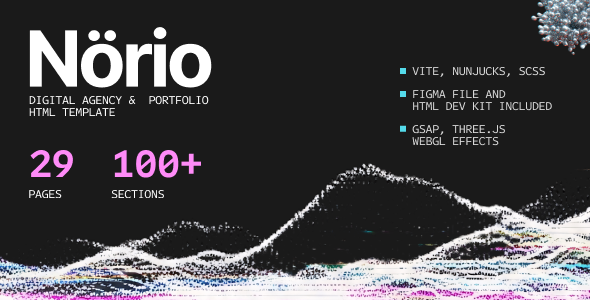 Norio - Digital Agency & Portfolio HTML Template
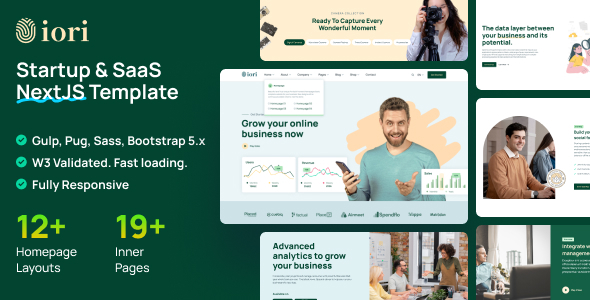 iori - Multipurpose Startup & SaaS NextJS Template
High Resolution: Yes, Compatible Browsers: IE9, IE10, IE11, Firefox, Safari, Opera, Chrome, Edge, Compatible With: ReactJS, Bootstrap 5.x
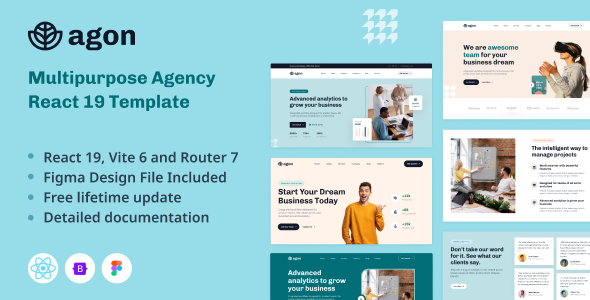 Agon - Multipurpose Agency React 19 Template
High Resolution: Yes, Compatible Browsers: IE8, IE9, IE10, IE11, Firefox, Safari, Opera, Chrome, Compatible With: ReactJS, Bootstrap 5.x, TypeScript, Columns: 4+
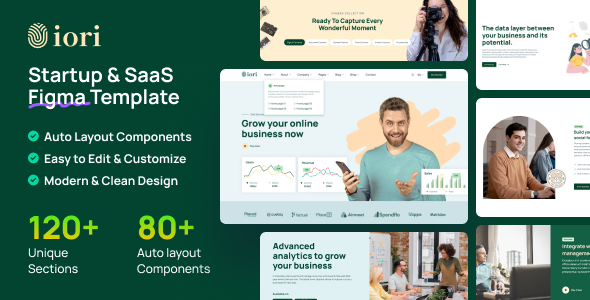 iori - Startup & SaaS Figma Template
Software Version: Figma
Related posts
Figma-to-Code Workflow with AliThemes UI Kits
A practical Figma-to-code handoff workflow using AliThemes UI kits alongside matching HTML, React, and Next.js templates — from tokens to QA.
Figma UI Kits That Match Your HTML, React & Next.js Builds
Use AliThemes Figma UI kits alongside matching HTML, React, and Next.js templates so design and development stay aligned from kickoff to handoff.
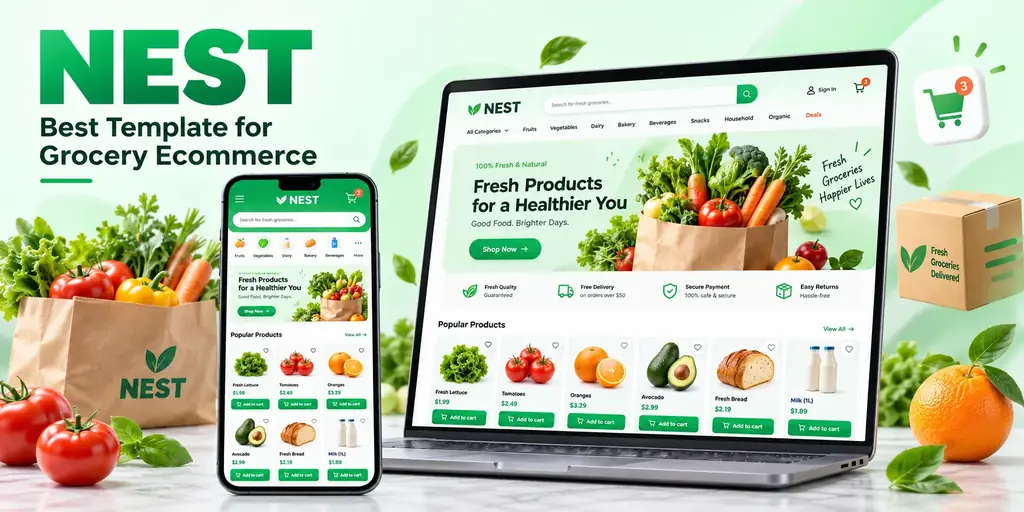
Nest: The Best Template for a Grocery Ecommerce Website
Why Nest is the best template for a grocery ecommerce website: supermarket-shaped catalogs, more than 50 storefront pages, full RTL, and a dashboard in the same purchase.